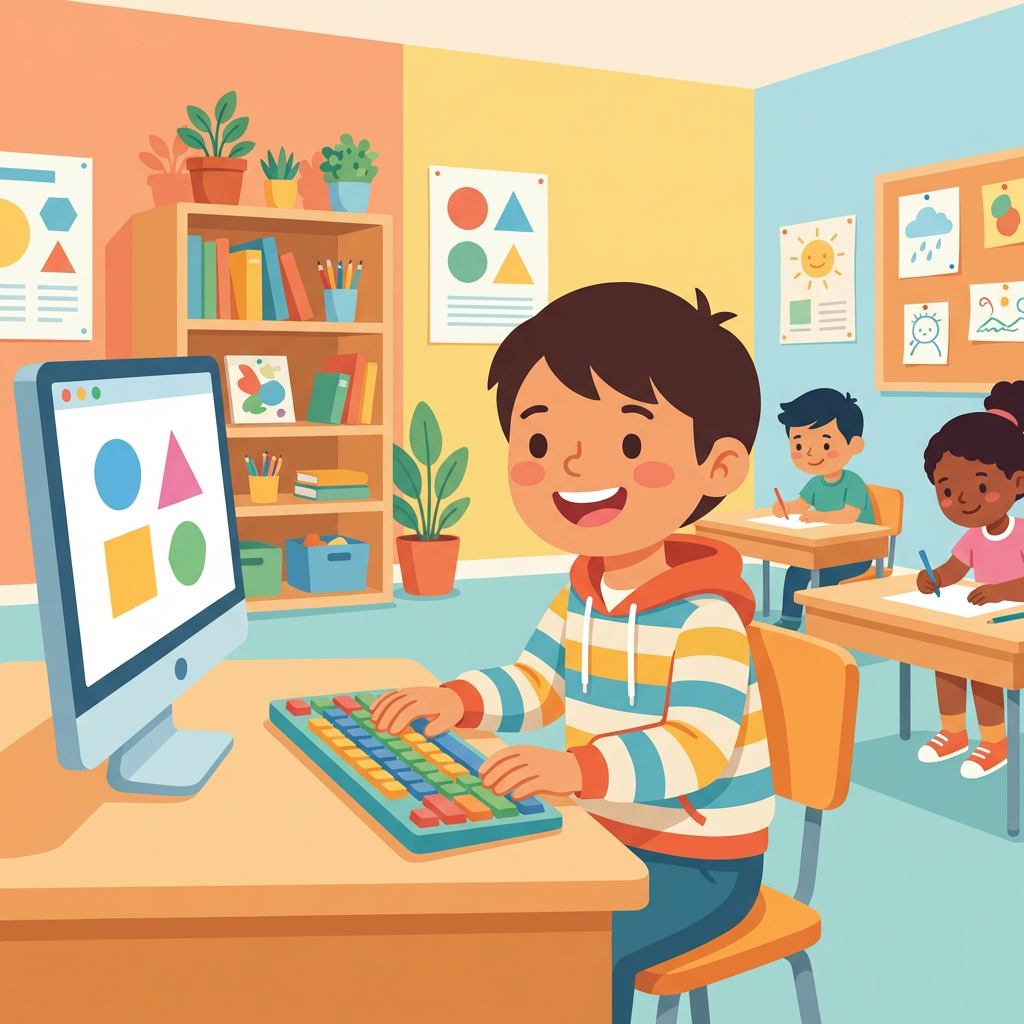
子供のタイピング練習ガイド
学年別に分かる、小学生向けタイピング練習方法
最終更新: 2026-03-24
タイピング練習は何歳から?
GIGAスクール構想により、小学校では1人1台の端末が整備されています。タイピングは早い時期から始めるほど有利です。
- 小学1〜2年生からキーボードに触れる機会が増えている
- 文部科学省の手引きでは、低学年からキーボードに慣れ親しむことが推奨されている
- 小学3年生でローマ字・外国語活動(英語)が始まる
- 「3年生から」ではなく、低学年から少しずつ慣れるのがおすすめ
低学年(1〜2年生)はじめてのキーボード
キーボードにさわってみよう
まずはキーボードにさわることから始めましょう。自分の名前をうってみたり、すきな言葉をさがしてうってみましょう。
ひらがな・カタカナにゅうりょくから
ローマ字をまだ習っていなくても大丈夫。ひらがなにゅうりょくや、アルファベットのキーの位置をおぼえることから始められます。
アルファベットにふれよう
ABCの歌をうたいながらキーボードでアルファベットをさがすと、たのしくおぼえられます。英語の授業にもつながります。
中学年(3〜4年生)ローマ字タイピングに挑戦
ローマ字を覚えよう
小学3年生の国語でローマ字を習います。「A=あ」「KA=か」のようなローマ字の組み合わせを覚えながら、タイピングに活かしましょう。授業で習ったローマ字をキーボードで打ってみると、覚えが早くなります。
ローマ字の新しいルール(2025年12月改定)
2025年12月にローマ字の国のルールが70年ぶりに変わりました。「し」は「si」ではなく「shi」、「つ」は「tu」ではなく「tsu」と書くヘボン式が基本になります。学校の授業も段階的にヘボン式に移行する見込みなので、お子さんがこれからローマ字を覚えるなら最初からヘボン式がおすすめです。
短い文章を打ってみよう
名前やあいさつが打てるようになったら、短い文章に挑戦。学習指導要領では、3〜4年生で「自分の名前や短い文章を入力できる」ことが期待されています。
好きな曲の歌詞で楽しく練習
好きなアニメソングやボカロ曲の歌詞でタイピング練習すると、楽しいから自然と練習量が増えます。TypingTubeのLv.1〜2の曲がおすすめです。
高学年(5〜6年生)速く正確に打てるようになろう
めやす:1分間に40〜60文字
文部科学省の調査では、5〜6年生で「10分間に100〜200文字」程度の入力が目安とされています。ただし、タイピングの上達ペースは個人差が大きいので、お子さんのペースに合わせて無理なく進めましょう。楽しく練習を続けることが一番大切です。
英語の授業とタイピングの相乗効果
5年生から英語が正式教科になります。ローマ字タイピングで覚えたアルファベットの位置は、英語入力にもそのまま活かせます。英語の曲でタイピング練習すれば、タイピングと英語を同時に学べます。
タイピングが速いと勉強がはかどる
レポートや調べ学習でのPC入力が速くなれば、考えることに時間を使えます。タイピングは一度身につければ一生使えるスキルです。
保護者・先生向けサポートガイド
正しい姿勢とキーボードの選び方
椅子の高さを調整し、画面を目線の高さに。子供の手のサイズに合ったキーボードを選ぶと練習しやすくなります。タブレットの場合は外付けキーボードの使用がおすすめです。
練習時間の目安
1日10分で十分です。短い時間でも毎日続けることが大切。無理に長時間練習させると、タイピング嫌いになってしまう可能性があります。
褒めて伸ばす・無理をさせない
速さよりも「正確に打てた」「キーボードを見なかった」ことを褒めましょう。子供のペースに合わせて、楽しく続けられる環境を作ることが一番大切です。
授業での活用ガイド
このページの練習ドリルとTypingTubeのキッズコーナーは、学校の授業の一環としてもご活用いただけます。
学習指導要領との対応
小学校学習指導要領では、国語科(3年生)でローマ字の読み書きを、総合的な学習の時間でコンピュータの基本操作を学ぶこととされています。タイピング練習はこれらの学習活動と連携して実施できます。
授業での活用例(45分授業)
- 導入(5分): ホームポジションの説明。このページのキーボード図解を電子黒板で表示
- 基礎練習(15分): 練習ドリルでホームポジション → 母音 → か行さ行を段階的に練習
- 応用練習(15分): 早く終わった児童はキッズコーナーで好きな曲に挑戦
- 振り返り(10分): スコアや正確率を確認し、次回の目標を立てる
早く終わった児童向け
練習ドリルを終えた児童は、TypingTubeのキッズコーナーで実際の曲に挑戦できます。テンポのゆっくりな童謡やアニメソングが揃っているので、練習で身につけたスキルを楽しく実践できます。
評価のポイント
スコアや打鍵速度の数値だけでなく、「ホームポジションを意識できたか」「キーボードを見ずに打てたか」を観察しましょう。正確率90%以上を目安にしつつ、児童のペースに合わせた指導が大切です。
ご利用にあたって
TypingTubeはYouTube動画を利用したサービスです。学校のネットワーク環境でYouTubeが制限されている場合は、練習ドリル部分のみをご活用ください。練習ドリルはYouTubeへの接続不要で動作します。
よくある質問
ローマ字を習う前でもタイピングは始められますか?
はい、始められます。ひらがな入力やアルファベットのキー位置を覚えることから始められます。GIGAスクール端末で低学年からキーボードに触れる機会も増えています。
タブレットとPCのキーボード、どちらがいいですか?
タッチタイピングの練習にはPCのキーボードが最適です。タブレットの場合は外付けキーボードの使用をおすすめします。画面上のソフトキーボードではタッチタイピングの練習にはなりません。
1日何分練習させればいいですか?
1日10分で十分です。短い時間でも毎日継続することが重要です。1〜2曲プレイするだけでもOKです。長時間の練習は集中力が切れて逆効果になることがあります。
ゲーム感覚で練習できるものはありますか?
TypingTubeなら好きな曲の歌詞でタイピング練習できます。スコアやランキング機能でゲーム感覚で楽しめます。キッズコーナーには子供向けのやさしい曲も用意されています。